
A Beginner’s Guide to Logging Blood Glucose
Learn how to log a blood glucose reading in Sahori, record when you took it, and find it in your history.
Start with one reading
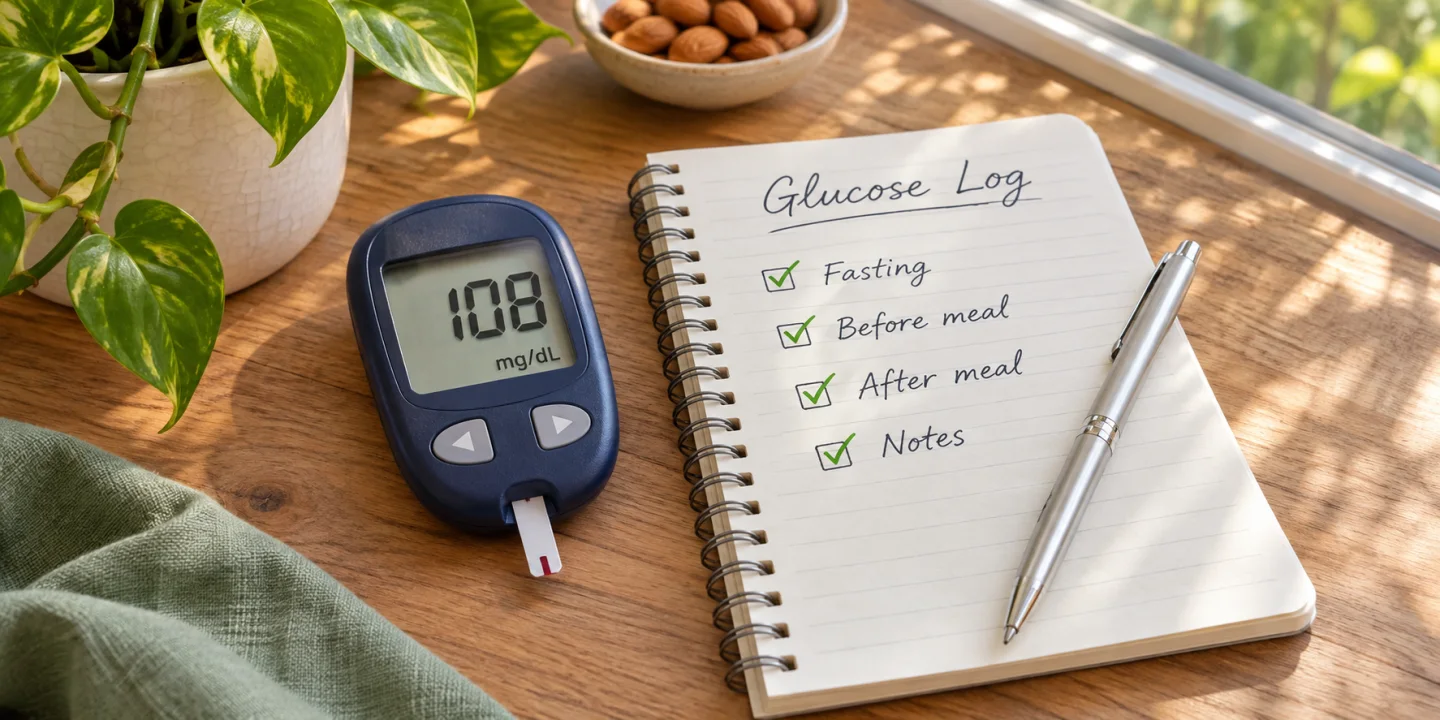
Tap Log glucose on the home screen and enter the number from your meter. Check that the selected unit matches your meter, then pick the context for the reading, such as before or after a meal.
Keep the time with the reading
If you’re entering a past reading, use Edit beside Date or Time to set when you took it. Add an optional note and tap Save entry.
Find your entries again
Tap the Recent history icon at the top of the log screen. Use the date filters to find an earlier entry or narrow the list to the dates you want to discuss at an appointment.
For more context on reviewing your history, read Understanding Blood Glucose Patterns Without Self-Diagnosis.